• CLICK HERE TO VISIT THE ADEMUSOYO NOTION TEMPLATE SHOP •

How To Create a Notion Social Media Calendar (Step-by-Step Guide)

by | Last updated Oct 31, 2025 | 0 comments

You’ve got the ideas and you’ve already started creating content. However, when it comes time to post you struggle to keep up with posting them consistently. If you’ve ever found yourself scrambling to post something every morning, feeling disconnected from your content, or wondering why your engagement isn’t growing, you’re not alone. That’s where having a Notion social media calendar comes in. It helps you bridge the gap between your ideas and hitting publish.

We’ve previously discussed how to plan and organize your ideas in Notion, however, that’s only half the battle. The real challenge is taking those ideas and transforming them into engaging content that your audience sees regularly. That’s where having a Notion social media calendar comes in. In this blog post we’ll talk about how to make a Notion social media calendar that keeps everything in one place, helps you stay consistent across platforms, and saves you hours each week. Whether you’re creating content by yourself or with an entire team, this content planning system will transform how you manage your online presence. By the end of this post, you’ll know how to create an editorial calendar that bridges the gap between ideation and execution in a strategic, sustainable system.

Why You Need a Notion Social Media Content Calendar for Your Current Workflow

If you’re someone who wants to get into the habit of creating content, you’ll quickly realize that it requires having some sort of structure, otherwise, you’re going to be scrambling. That can often looks like posting at random times and often being more reactive rather than intentional with your content. Having a social media content calendar solves this. It’s not just a pretty planner. It’s your command center for turning your ideas into published content. Here are three reasons why you need one:

  1. It Keeps You Organized and Consistent: When all your content is in one place, you can see exactly what’s scheduled what’s in draft mode, and what’s already live. Having this visibility helps you maintain a consistent posting rhythm across platforms without second-guessing yourself.
  2. It Enables You To Post Intentionally: With a calendar you can plan your content strategically. You can align your content with launches, campaigns or seasonal trends. This transforms your mindset from “what should I post today?” to “what’s already scheduled this week?”
  3. It Give You Performance Visibility: Having a good editorial calendar doesn’t just track what you’re posting. It helps you reflect on what’s working. By reviewing past content in one place, you can spot patterns, identify gaps, and adjust your strategy for future posts. **

Without a system, you’re going to be scrambling every morning to post something. With a system, you have a centralized place in Notion that shows drafted, scheduled, and published posts at a glance. You know exactly what’s coming next and you can batch your work accordingly. Take a moment to assess your current posting workflow. Ask yourself:

  • Where do you currently track what’s being posted or scheduled
  • Which platforms do you need to focus on next week?
  • How do you understand your analytics?

If you are currently using multiple apps like Trello, Notes, and Google Docs, it’s time to simplify. Bring everything into Notion for your central content planning system.

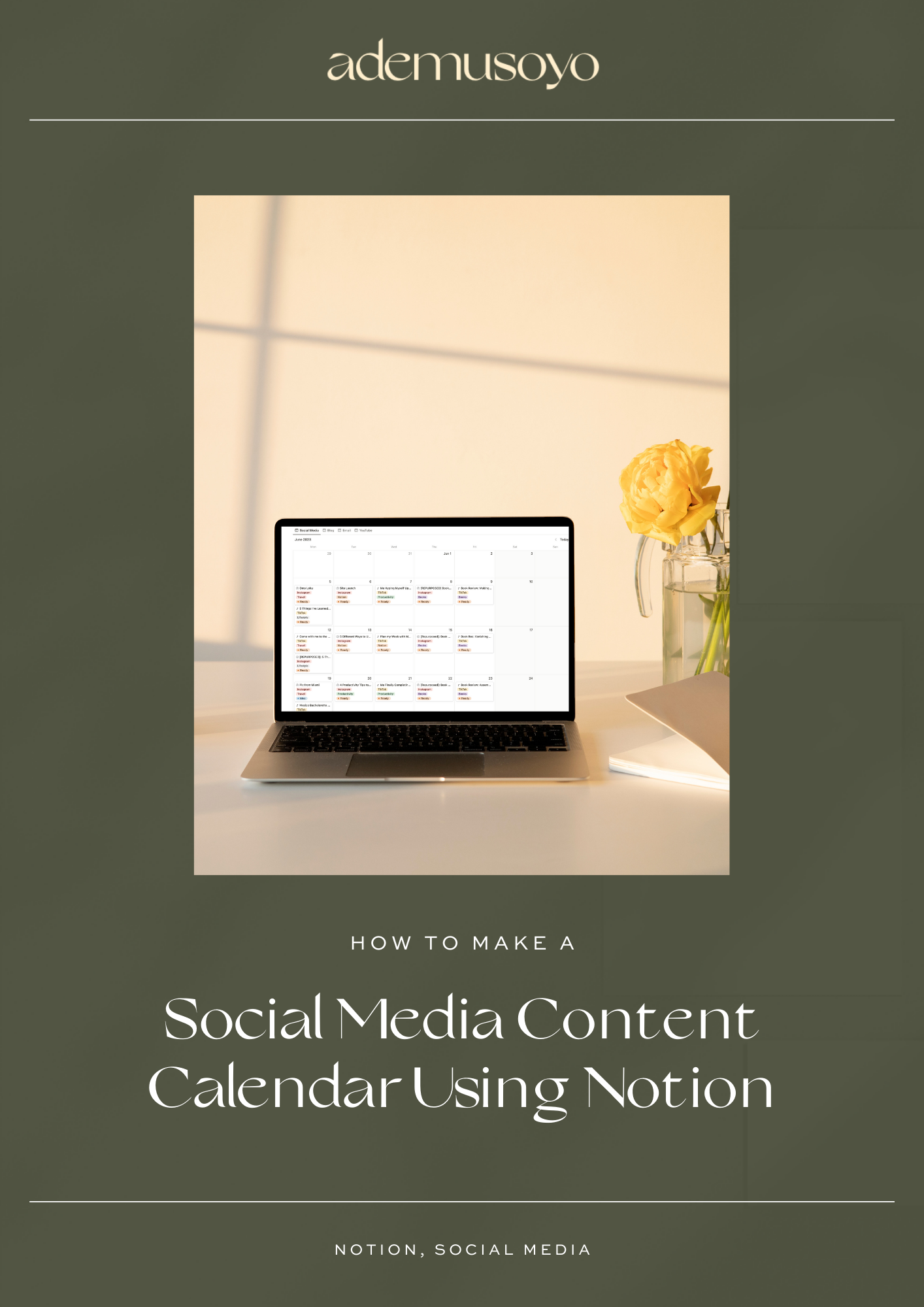
How to build a content calendar in Notion for creators. Laptop and planner on a wooden desk with green accents. Pinterest pin graphic for blog post about creating a Notion content calendar system.

Why Notion Is the Best Tool for Building Your Social Media Content Calendar

Notion is one of my favorite platforms for content planning. Its flexibility and visual nature make it ideal for organizing complex content workflows while keeping everything connected and accessible. Unlike rigid project management tools or scattered note-taking apps, Notion adapts to your unique creative process, allowing you to design a system that works for how you think and create.

The database functionality is what makes Notion so powerful. You can create a master content database that tracks every piece of content you’re working on from initial idea to published post. Using properties like content type, status, publishing date, platform, and category, you can filter and view your content in multiple ways. Want to see only your Instagram posts scheduled for next week? Done. Need to find all your published blog posts about productivity? Easy. This level of customization means your content hub can grow and evolve alongside your content strategy.

Lastly, as your content operation grows, Notion scales with you. Whether you’re a solo creator or working with a team, you can add collaborators, assign tasks, leave comments, and track progress together. The ability to create templates for recurring content types (like weekly newsletters or monthly roundups) saves significant time and ensures consistency in your workflow.

Step-by-Step: How To Make a Notion Social Media Calendar

Step 1: Create Your Notion Social Media Posts Database

Start by creating a new database in Notion called “Social Media Posts.” This will serve as the foundation of your content calendar, housing all your posts from initial idea through to publication. Think of it as your content command center where every post lives and moves through your workflow.

Step 2: Set Up Your Database Properties for Your Notion Social Media Calendar

Now it’s time to add the properties that will help you track and organize your content. Here are the essential fields you’ll need:

  • Title: Name this “Post Concept” to capture the main idea of each piece of content.
  • Date: Add a “Publish Date” property to schedule when each post will go live.
  • Status: Create a status property with options like Idea, Creating, Ready, Scheduled, and Published. Group “Scheduled” and “Published” together in a “Done” category to clearly see what’s complete.
  • Content Pillar: Add a select property to categorize posts by theme (e.g., Lifestyle, Fashion, Music).
  • Post Type: Use a multi-select property for format options like Reel, TikTok, Carousel, Story, etc.
  • Video Type: If you create video content, add another multi-select for styles like Talking Head, Trendy Audio, Vlog + Voiceover.
  • Platform: Create a relation property that links to a separate Platforms database where you track each social channel.
  • Inspiration: Add a URL property to save links to content that inspired your post.
  • Archive: Include a checkbox to archive old posts without deleting them.

Step 3: Customize Views in Your Notion Content Planner

The power of Notion lies in viewing the same data in different ways. Set up these core views to match how you work:

  • Calendar View: Create an “All Social Media Posts” calendar grouped by Publish Date. This gives you a visual overview of your content schedule at a glance.
  • Table View: Add an “All Posts” table sorted by Publish Date for quick edits and bulk updates.
  • Board View: Set up a “Status” board grouped by your Status property. This becomes your production pipeline where you can drag posts from Idea to Published.
  • List View: Create an “Idea List” to quickly browse post concepts organized by Content Pillar.

Step 4: Create Platform-Specific Notion Calendars

To stay focused on individual platforms, create separate calendar views filtered by each social channel. For example, set up an “Instagram Calendar,” “TikTok Calendar,” and “YouTube Calendar.” This way, you can focus on planning content for one platform at a time without getting overwhelmed by your entire content schedule.

Step 5: Test and Refine Your Notion Social Media Calendar Setup

Before you dive into planning real content, add a few example posts to different platforms with various statuses and post types. This helps you test your workflow and make sure everything is set up correctly. Move these sample posts through your pipeline from Idea to Published to ensure the system works smoothly before you commit to filling it with real content.

Once you’ve completed these five steps, you’ll have a fully functional Notion social media calendar ready to support your content creation journey. The beauty of this setup is that it grows with you. Start simple and add more properties and views as your needs evolve.

How to use Notion to plan social media content. Clean flat lay of a workspace with keyboard, tablet, pen, and calendar on desk. Pinterest graphic for a Notion social media planner tutorial.

How To Use Your Notion Social Media Calendar To Stay Consistent

Consistency isn’t about posting every single day or burning yourself out trying to keep up with algorithms. It’s about showing up regularly in a way that feels sustainable and intentional. Having a calendar makes this possible by giving you visibility, accountability, and strategic alignment. It creates natural accountability because everything is tracked and visible. When you can see your content pipeline laid out in front of you, it’s harder to let things slip through the cracks. You’re no longer relying on memory or scattered to-do lists. Instead, you have a system that shows you exactly what needs attention and when. This visual accountability helps you maintain momentum even during busy weeks when creating content might feel like the last thing you have energy for.

Your Notion calendar also helps you align your content with your broader goals. Rather than posting reactively based on whatever inspiration strikes that day, you can plan content around launches, campaigns, or themes that matter to your business or creative vision. This strategic alignment transforms your content from random posts into a cohesive narrative that builds momentum over time. You’re not just posting content — you’re building a body of work that supports your growth and resonates with your audience. To make consistency feel sustainable, build these practices into your weekly routine:

  • Set a weekly content planning session: Block 30-60 minutes every week to review your calendar, move posts through your pipeline, and plan what’s coming next. This becomes your content checkpoint where you assess what’s working and adjust your strategy.
  • Batch similar tasks together: Use your calendar to identify opportunities for batching. When you can see all your Instagram posts for the week in one view, you can write all the captions at once, design graphics together, or film multiple videos in a single session.
  • Track what’s published: After posts go live, update their status to “Published” and add notes about performance or audience reaction. This creates a historical record that helps you understand what resonates with your audience over time.
  • Plan ahead but stay flexible: Schedule content 1-2 weeks in advance when possible, but don’t be afraid to adjust based on current events, trending topics, or spontaneous inspiration. Your calendar should guide you, not restrict you.

The real power of consistency isn’t just about maintaining a posting schedule. It’s about creating space for creativity to flourish. When you’re not scrambling to figure out what to post, you have mental bandwidth to think strategically about your content, engage authentically with your audience, and experiment with new ideas. Your Notion calendar becomes the foundation that supports both structure and spontaneity in your content creation process.

Common Mistakes to Avoid When Setting Up Your Notion Social Media Calendar

Even with the best intentions, it’s easy to fall into setup traps that make your Notion calendar more complicated than helpful. The most common mistake? Over-customization. When you’re excited about building your system, it’s tempting to add every possible property, filter, and view you can think of. But this creates decision fatigue and turns your calendar into a maze rather than a tool.

I once added 20 tags and 5 filters and spent more time managing the system than actually creating content. The calendar became so complex that opening it felt overwhelming. I would stare at all the options and feel paralyzed rather than productive. Simplicity wins. Over-customization creates confusion. Here are the specific mistakes to watch out for:

  • Adding too many database properties early on: Start with the essentials (Platform, Status, Publish Date) and add more properties only when you genuinely need them. Every property you add is another field to fill out, which adds friction to your workflow.
  • Inconsistent naming conventions: If you call something “Instagram Post” in one place and “IG Content” in another, your filters won’t work properly. Keep your naming consistent across all properties, views, and databases.
  • Never archiving old ideas or posts: Your calendar will become cluttered with old content if you don’t regularly archive old ideas or published posts. Consider creating an archive checkbox property to keep your active views clean and focused on what matters now.
  • Creating too many views before understanding your workflow: You don’t need 15 different ways to view your content right away. Start with 3-4 core views (calendar, table, board) and add more only when you identify a specific need.
  • Trying to track too much data: You don’t need to track every possible metric or detail about your content. Focus on what actually informs your decisions and helps you create better content.

The key to avoiding these mistakes is to start simple and expand intentionally. Start small and expand later as your content strategy evolves. Your Notion calendar should reduce complexity in your workflow, not add to it. If you find yourself spending more time managing your system than creating content, that’s a clear sign to simplify.

Step-by-step Notion calendar setup for social media planning. Minimal workspace with white keyboard, gold paper clips, and clean design. Pinterest graphic for blog post on creating a Notion social media calendar.

When To Hire Help: Getting a Custom Notion Build

I’ll be honest: DIY setups are a great place to start, but if you really want to stay consistent with your content planning, a custom Notion system can be a game-changer. If you’ve been wrestling with templates that feel cluttered or confusing, I can help you set up a Notion workspace that actually makes sense for the way you work. A custom setup cuts through the overwhelm and fits your unique workflow. Instead of spending hours trying to figure out databases, properties, and views on your own, you’ll get a ready-to-use system built specifically for you. That means more time creating content and less time feeling frustrated by your tools.

I’ve seen it happen time and time again: creators start with free templates, and once we work together to personalize them, content planning suddenly clicks. Your Notion workspace goes from feeling like a confusing mess to becoming a streamlined command center that actually supports your goals. If you’d like help setting up your Notion content planner, I’d love to work with you to create a customized setup that fits your workflow. A personalized system means you’ll actually use it consistently, and honestly, that makes it one of the best investments you can make in your content strategy.

Final Thoughts

Planning and organizing your social media content ideas doesn’t have to feel overwhelming. By defining clear content pillars, capturing ideas in a centralized system like Notion that prioritizes visibility and and organization, you create a sustainable strategy that supports consistent content creation without the stress. When you know how to plan and organize social media content ideas effectively, you stop scrambling for what to post and start showing up with intention. Using Notion to organize your content means you have a single source of truth for every idea, every post, and every campaign. It’s how to organize social media content in Notion in a way that actually works for your workflow and keeps you moving forward.

Whether you’re just getting started or ready to level up your content system, the key is having a plan that fits your life and business. Your content strategy should support you, not stress you out. And with the right tools and structure in place, you’ll find that staying consistent becomes so much easier. Ready to get started? Check Out Part Part 1: How to Plan and Organize Social Media Content Ideas (with Notion). Ready to take the next step? Apply to work with me and let’s get started. I can’t wait to work with you!

Hi, I’m Ademusoyo!

Productivity Strategist and Notion Consultant ready to help ambitious, multi-faceted women get more time, energy and life out of each day.

Let’s work together!

You’re allowed to have ease while you’re on your grind. I’m here to help you have that.

Learn more on this topic

Related Blog Posts

Leave a Comment

0 Comments

Submit a Comment

Your email address will not be published. Required fields are marked *

%d bloggers like this:
x  Powerful Protection for WordPress, from Shield Security
This Site Is Protected By
Shield Security